roger DJ oddBeat
dB dj
helper
v3.0 · free web app · DJH
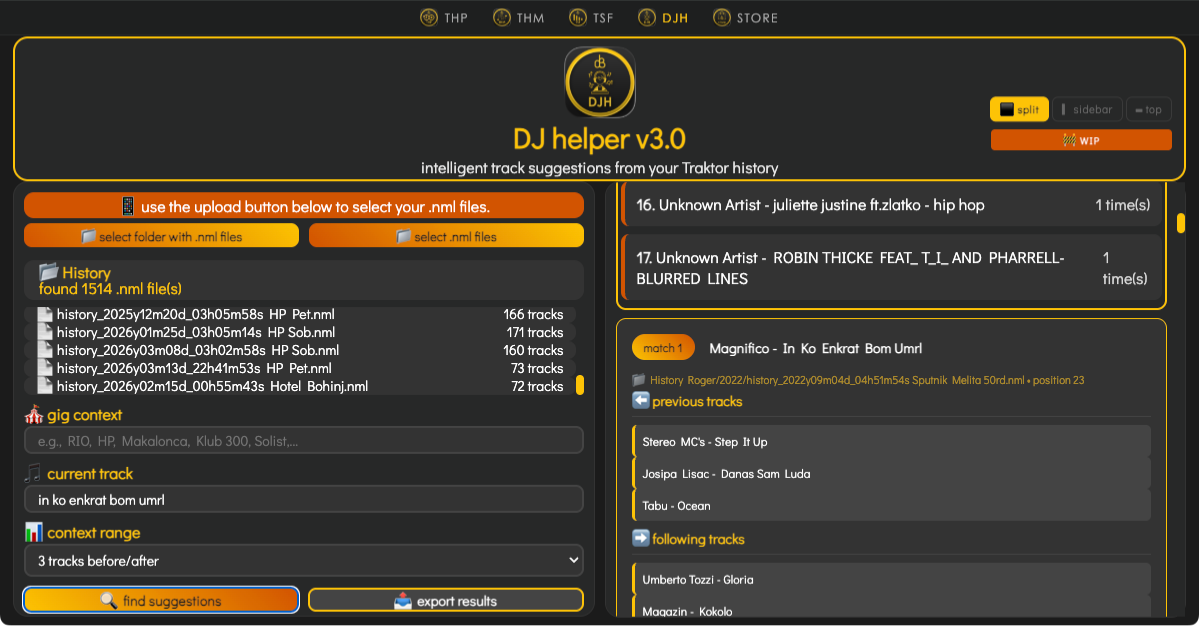
upload your Traktor Pro history.
enter a track. get suggestions.
open app →
completely free · no install · runs in your browser
any browser · desktop, iPad, anywhere · NML files from Traktor
💡 use DJH anywhere via iCloud: Traktor warns against iCloud — "Optimize Mac Storage" can evict files and corrupt your collection. workaround: rename
Coverart, Stripes, and Transients to .nosync and symlink them back. these are large, regeneratable folders — no need to sync them. also set collection.nml and Traktor Settings.tsi to "Keep Downloaded" in iCloud to prevent eviction when space is low. your History NMLs and collection.nml stay synced via iCloud and are accessible from any device on your account. open DJH in any browser, load the NML from iCloud — iPad, second Mac, anywhere.↓ what does it do ↓